

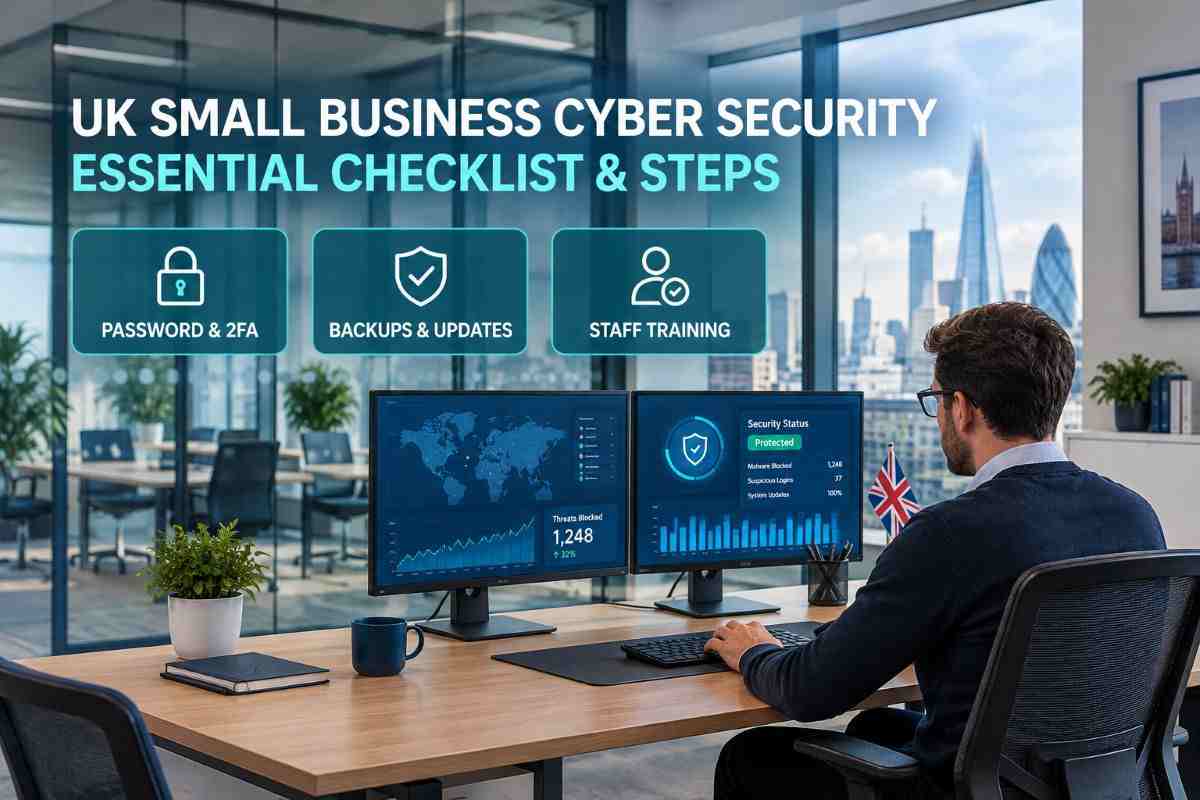
A cyber attack can disrupt a small business even if it has only a few employees, one office or a single website. A compromised email account, a fraudulent invoice, or a ransomware infection can expose customer information, interrupt payments, and prevent staff from accessing essential files.
This cybersecurity checklist provides UK small businesses with practical steps to protect their accounts, devices, data, and customers in 2026. You do not need a full-time IT team to get started. Begin with the basics, assign responsibility for each task and review your security regularly.
The recommendations draw on guidance from the National Cyber Security Centre (NCSC) and the Information Commissioner’s Office (ICO).
Small Business Cyber Security Checklist:
1. Secure Business Email and Online Accounts
Business email deserves particular attention because criminals can use a compromised inbox to impersonate your company, intercept invoices or reset passwords for other services. The NCSC recommends protecting email and other important accounts as a priority. Read its email security guidance.
Use this checklist:
- Enable multi-factor authentication (MFA), also called two-step verification (2SV), wherever available.
- Use a unique, strong password for every important business account.
- Consider passkeys where supported.
- Store passwords in a reputable password manager.
- Remove accounts belonging to former employees or contractors.
- Review who can access banking, payroll, cloud storage, social media and website administration.
- Give administrator access only to people who genuinely need it.
MFA adds another layer of protection beyond a password. If a service supports it, use an authenticator app, security key or passkey where appropriate rather than relying on a password alone.
Avoid shared logins wherever possible. Individual accounts make it easier to control access and investigate suspicious activity.
2. Keep Computers, Phones and Software Updated
Outdated software can contain security weaknesses that attackers know how to exploit. Small businesses should keep operating systems, applications, browsers, routers and other connected devices updated.
Check that:
- Automatic updates are enabled where practical.
- Laptops and desktop computers receive security updates promptly.
- Business phones and tablets are protected with a PIN, password or biometric lock.
- Firewalls and built-in security protections are enabled.
- Unsupported software is replaced or removed.
- Staff install applications only from trusted sources.
- Lost or stolen work devices can be reported and secured quickly.
The NCSC recommends keeping devices and their software up to date as a basic defence against malware and other attacks. See its device security guidance.
If employees use personal devices for work, establish clear rules about accessing company email, downloading customer files and storing business information. Personal devices should not become an unmanaged route into company systems.
3. Protect Business Data with Reliable Backups
A backup is a separate copy of important information that you can restore if the original files are deleted, damaged, encrypted by ransomware or made unavailable.
Identify the data your business needs to keep operating. This may include customer records, invoices, contracts, payroll information, email, website files and accounting data.
Your backup checklist should include:
- Back up essential files and systems regularly.
- Keep copies in a separate location or protected service.
- Protect online backup accounts with MFA or 2SV.
- Restrict who can change or delete backups.
- Test whether files can actually be restored.
- Document who is responsible for recovery.
A cloud folder that synchronises changes is not always enough. If someone deletes or encrypts files, those changes may synchronise too. Consider a separate backup that cannot easily be altered by an attacker.
The NCSC recommends using more than one backup method where possible and checking that your data can be restored. Read its backup guidance.
4. Train Staff to Recognise Phishing and Fraud
Phishing messages attempt to trick people into revealing information, opening malicious attachments or sending money. They may imitate a supplier, bank, customer or colleague.
Make sure employees know how to spot warning signs such as:
- Unexpected requests for urgent payments.
- Messages asking for passwords or verification codes.
- Links to unfamiliar websites.
- Unexpected attachments.
- Changes to a supplier’s bank details.
- Requests to bypass normal approval procedures.
Do not rely on spelling mistakes as the only warning. Fraudulent messages can look professional and may refer to genuine projects or recent conversations.
Create a simple rule for financial requests: verify unusual payment instructions or bank-detail changes through a separate, trusted channel. For example, call a known contact using a number already on file rather than the number in the suspicious message.
Staff should also know whom to contact if they click a suspicious link or disclose information. A quick report can help the business limit further damage.
5. Control Access to Customer and Company Information
Not everyone needs access to every business file. Limiting permissions reduces the potential damage if an account is compromised or an employee makes a mistake.
Review access to:
- Customer databases and contact lists.
- Payroll and accounting systems.
- Shared drives and cloud storage.
- Website administration and domain registration.
- Payment platforms and online banking.
- Social media and marketing tools.
Give staff the access needed for their role, then review it when responsibilities change. Remove access promptly when someone leaves the business.
Protect sensitive information when sending it externally. Double-check recipients before sharing documents, use secure sharing settings and avoid leaving confidential files accessible through public links.
6. Check Your Website, Wi-Fi and Suppliers
A business’s security depends on more than its office computers. Websites, routers, cloud platforms and external IT providers can all affect the safety of company information.
Use these checks:
- Change default passwords on routers and connected equipment.
- Update router firmware and use modern Wi-Fi security settings.
- Use a separate guest network where practical.
- Protect website, domain and hosting accounts with MFA.
- Keep website software, themes and plugins updated.
- Remove unused plugins, accounts and applications.
- Check how suppliers access your systems and data.
- Confirm who is responsible for security updates and incident reporting in supplier agreements.
If a web developer, accountant or IT provider has access to business systems, establish what access they need and how it is protected. Ask providers how they handle backups, security incidents and access when a contract ends.
7. Prepare a Cyber Incident Response Plan
No checklist can remove every risk. A response plan helps you act quickly if an account is compromised, files disappear, or a fraudulent payment is discovered.
Write down:
- Who leads the response.
- How to contact your IT support provider.
- How to secure affected accounts and devices.
- Where clean backups are stored.
- How to contact your bank if money may have been stolen.
- Who assesses whether personal data has been exposed.
- How staff, customers and suppliers should receive verified updates.
If you suspect an attack, use a trusted device to contact your IT support provider, secure affected accounts and follow appropriate incident-response advice. Do not immediately wipe devices or delete evidence before getting suitable guidance.
If personal data is involved, assess what happened, what information was affected and the potential harm to individuals. Under UK GDPR, a personal data breach that is reportable to the ICO must generally be reported without undue delay and, where feasible, within 72 hours of becoming aware of it. Not every breach is reportable, and the decision should be documented. See the ICO’s breach guidance.
8. Consider Cyber Essentials Certification
Cyber Essentials is a UK government-backed scheme designed to help organisations protect themselves against common cyber attacks. It is worth considering if you want a recognised baseline, need to meet a customer requirement or plan to bid for contracts that request certification.
The scheme covers five technical control areas:
- Firewalls.
- Secure configuration.
- Security update management.
- User access control.
- Malware protection.
Cyber Essentials is not a substitute for every security measure a business may need. It provides a defined baseline, while Cyber Essentials Plus adds independent technical testing.
Requirements can change, so check the official NCSC Cyber Essentials guidance before applying. Certification may be particularly relevant for businesses supplying larger organisations or public-sector customers.
9. How Often Should You Review Your Cyber Security?
A checklist is most useful when it becomes part of normal business operations rather than a one-off exercise.
A practical schedule is:
- Weekly: Check that backups are running and review unusual account or payment alerts.
- Monthly: Review user access, install outstanding updates and check security alerts.
- Every three to six months: Review staff access, supplier arrangements and incident procedures.
- After a major change: Reassess security when you introduce new software, move offices, change IT providers or start collecting new types of personal data.
This is a suggested routine, not a legal timetable. Adjust it to your business’s risks, systems and contractual requirements.
Frequently Asked Questions
What should be on a small business cyber security checklist?
Start with MFA, unique passwords, secure email, software updates, device protection, tested backups, staff phishing awareness and restricted access to sensitive information. Add an incident response plan and review your suppliers and website security.
Is cyber security a legal requirement for UK small businesses?
There is no single rule requiring every small business to adopt the same complete cyber security checklist. However, organisations handling personal data must comply with applicable data protection law, including appropriate security measures under UK GDPR. Contractual, sector-specific or other legal requirements may also apply.
Does a small business need antivirus software?
Businesses should ensure that appropriate malware protection is enabled on their devices. Many modern operating systems include built-in security features, but the right setup depends on the devices, software and risks involved. Keep protections updated and check that they have not been disabled.
What is Cyber Essentials?
Cyber Essentials is a certification scheme that assesses an organisation’s implementation of five technical security control areas. It can help demonstrate a baseline of cyber security, but it does not guarantee that a business will never suffer an attack.
What should a business do first after a suspected cyber attack?
Act promptly. Contact your IT support provider through a trusted channel, secure affected accounts and seek advice on containing the incident. If fraud is suspected, contact your bank immediately. Assess any personal data exposure and determine whether reporting obligations apply.
Final Checklist: Start with the Essentials
A small business does not need to fix every security issue in one day. Start by securing email and administrator accounts, enabling MFA, updating devices and confirming that backups can be restored. Then work through staff training, access controls, supplier security and incident planning.
Assign an owner and review date to each task. For free, practical support, begin with the NCSC’s Small Organisations Guide to Cyber Security. A maintained checklist gives your business a clear way to track progress and address gaps before they become more serious problems.
